

Accessing the Database
How to access the database directly using the connection string
database access connection string PostgreSQL pgbouncer public access database connectionIn most cases you will not need to access the database directly, choosing to interact with the data via the Graphql API, however, if you need direct access to postgres you can access it via the connection string.
Nhost Run
Section titled “Nhost Run”You can find details on how to connect to the database from an Nhost Run service here. If you don’t know the password you can set a new password in the dashboard:
Project Dashboard -> Settings -> Database
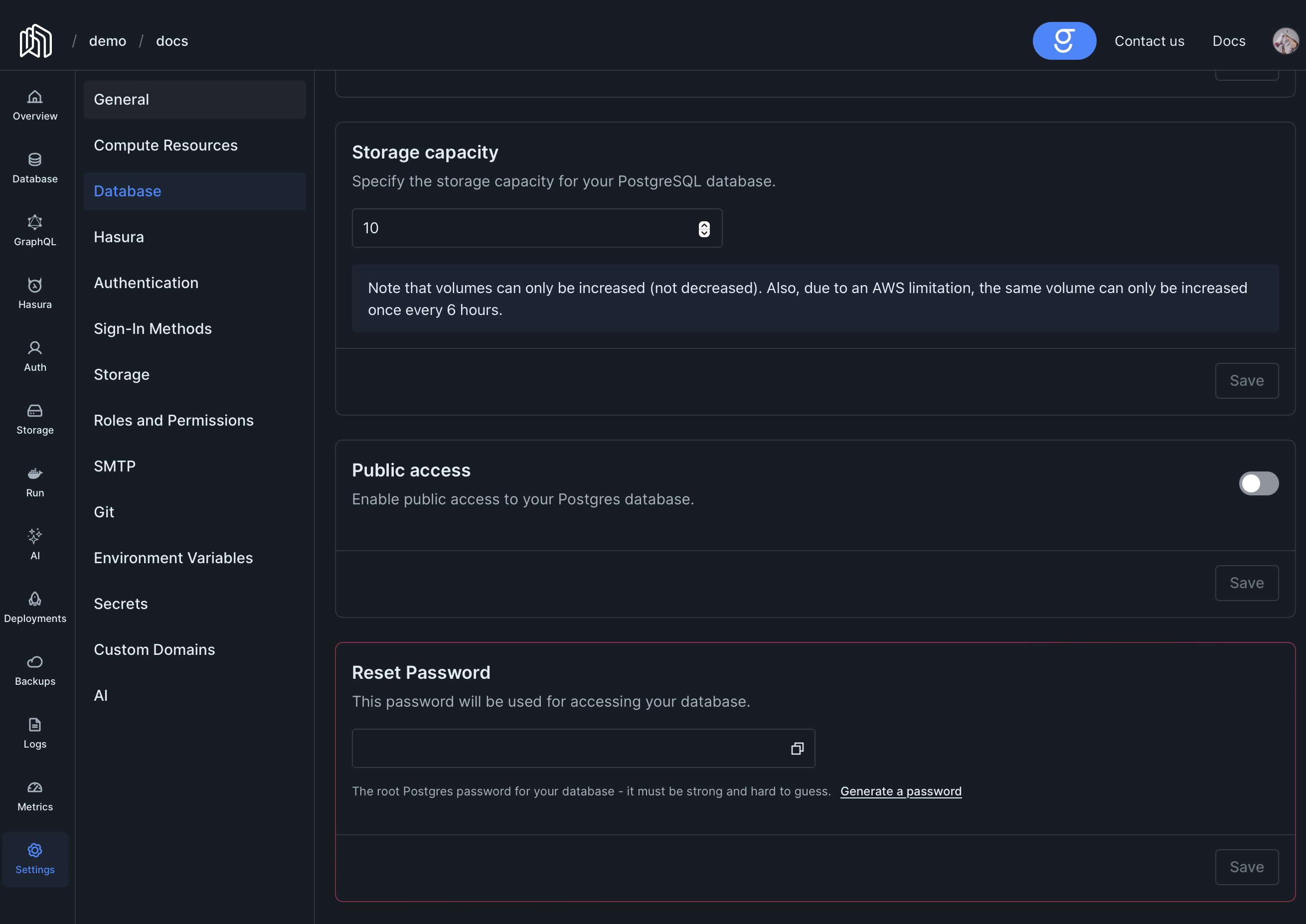
Public Access
Section titled “Public Access”For security reasons, by default your database won’t be accessible online. If you need to access it directly from the Internet, first you will need to enable public access (enabling public access will also show the connection details).
You can also restrict which IP addresses are allowed to connect by configuring allowed CIDRs. By default, when no CIDRs are configured, all public IPv4 addresses are allowed. Once you add one or more CIDRs, only connections from those IP ranges will be accepted. Addresses must be specified in CIDR notation (e.g. 213.80.124.69/32 for a single IP). Only IPv4 addresses are supported — restricting IPv6 addresses is not supported.
Project Dashboard -> Settings -> Database
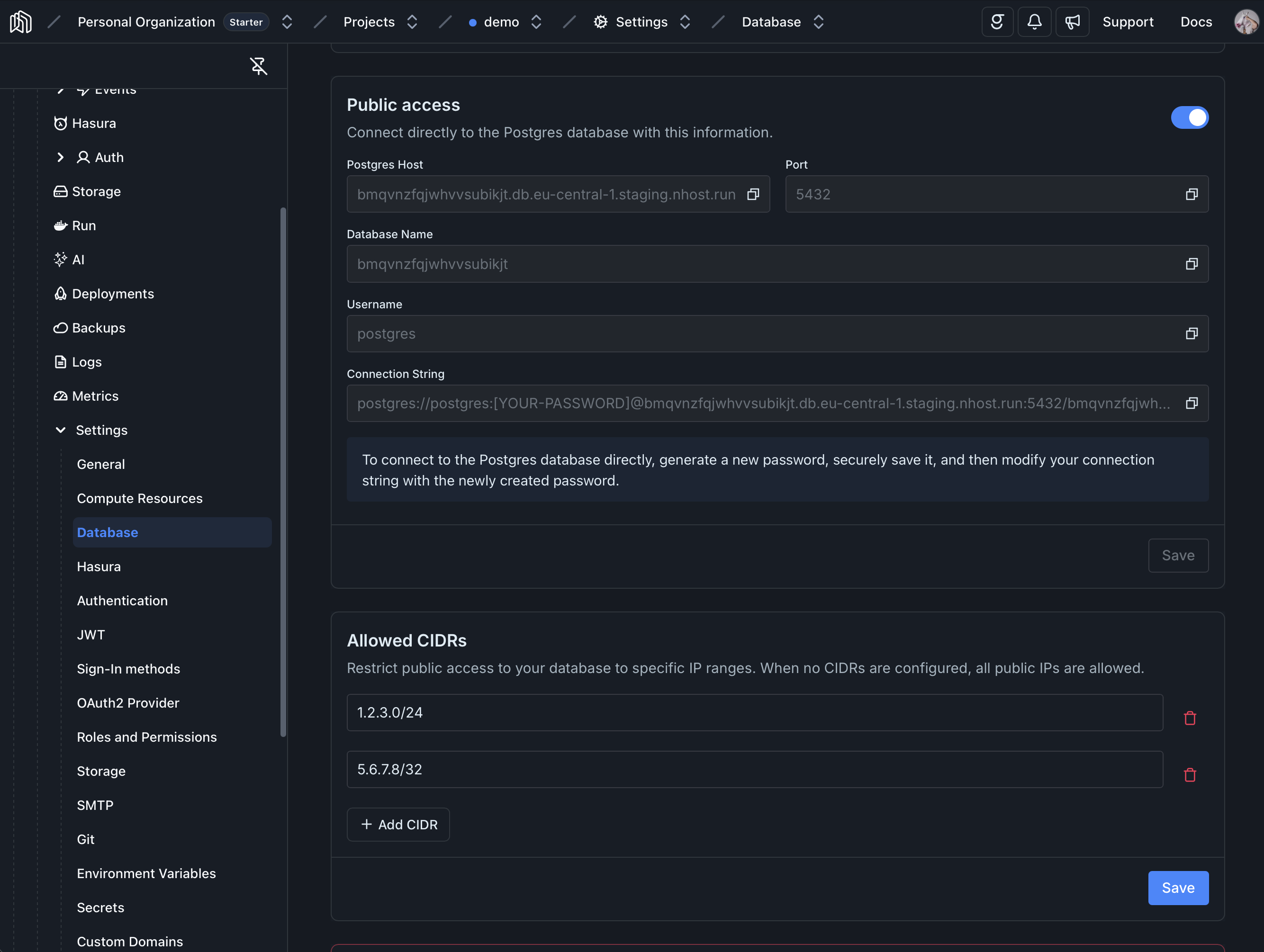
[postgres.resources]enablePublicAccess = trueallowedCIDRs = ["213.80.124.69/32"]Functions
Section titled “Functions”Functions run on a separate network, which means in order to access the database you will first need to make it public.