

Logs
View and search logs from all your Nhost services in one place
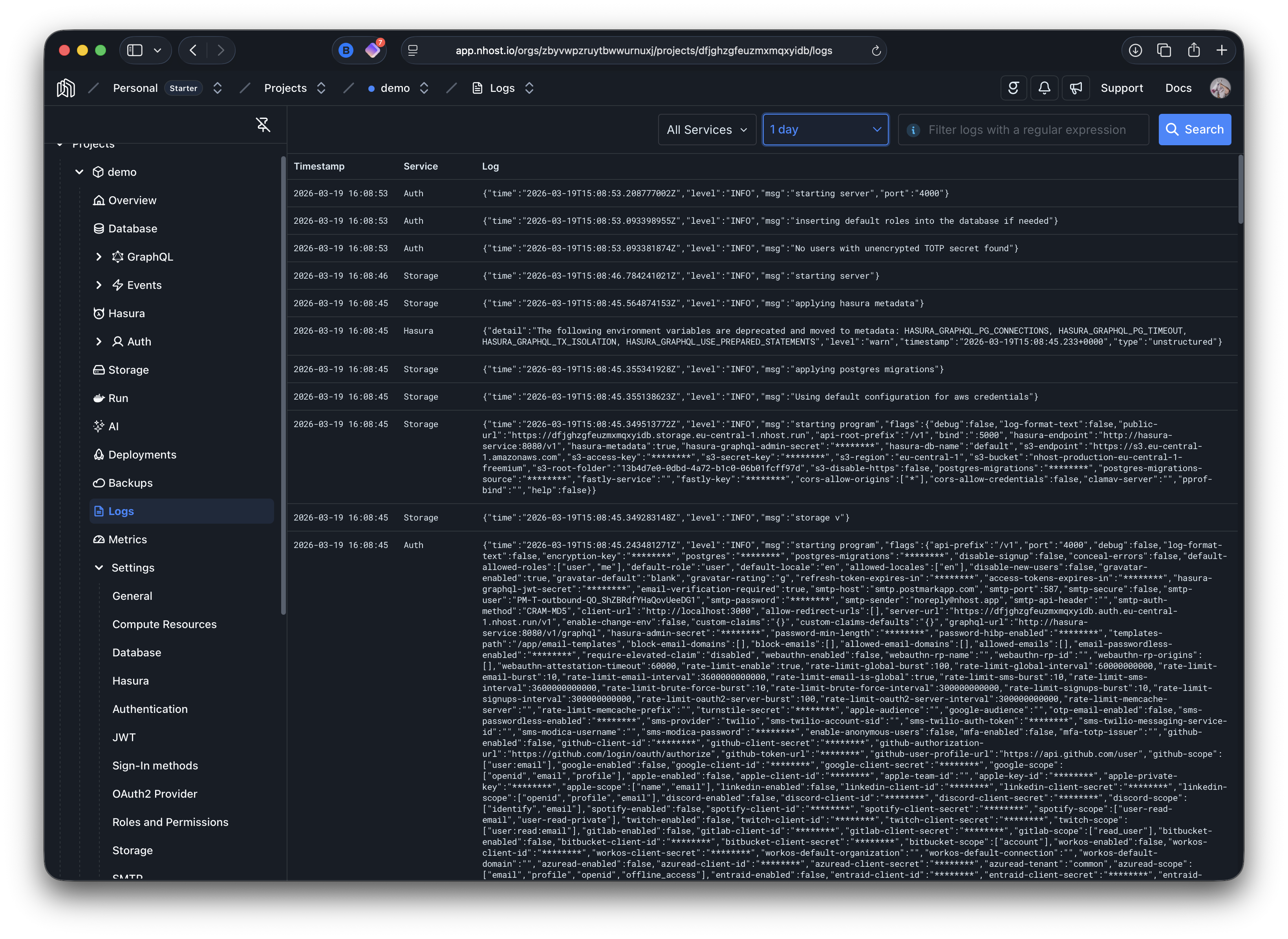
logs monitoring debugging service logs observability log streamingThe Logs page provides a centralized view of logs from all services in your Nhost project, including Auth, Storage, Database, GraphQL, Functions, and Run services.
Filtering Logs
Section titled “Filtering Logs”You can narrow down logs using the controls at the top of the page:
- Service filter — Select a specific service or choose “All Services” to view logs across your entire project.
- Time range — Adjust the time window to focus on a specific period (e.g. last hour, last day).
- Regex search — Filter logs using a regular expression to find specific patterns, error messages, or request IDs.
Service Logs
Section titled “Service Logs”Logs from all managed services are available in this view. This includes core services like Auth, Database, Storage, and GraphQL, as well as your custom workloads:
- Functions — Logs emitted via
console.log(),console.warn(), andconsole.error()in your serverless functions are captured here. See the Functions logging guide for details on log format, execution metrics, and request tracing. - Run — Logs from your custom containers deployed with Nhost Run are also available. Anything your container writes to stdout/stderr will appear in this view.